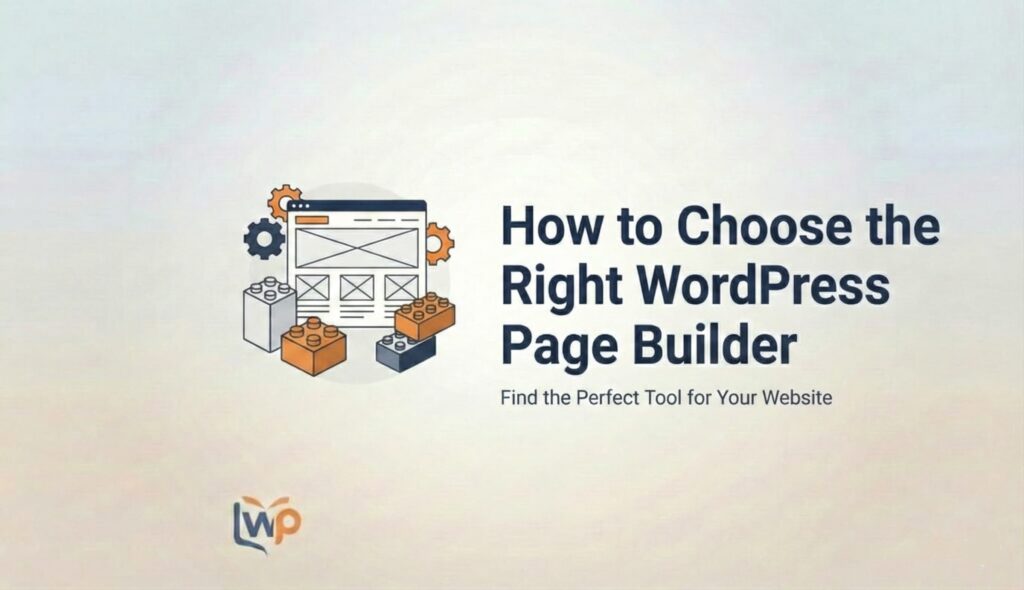
So, you’ve installed WordPress. Congratulations! You are now the proud owner of… a blank white screen.
You want a website that looks like Apple or Nike, but right now, it looks like a Word document from 1998. This is the moment where most people panic and think, “Do I need to learn to code?”
No. You need a Page Builder.
But typing “Best WordPress Page Builder” into Google is a recipe for a headache. You’ll see names like Elementor, Divi, Beaver, Bricks, Oxygen, and Gutenberg thrown around like specialized tools in a mechanic’s shop.
Which one is for you? Which one will slow your site down? Which one is a waste of money?
Welcome to the WPInsights Ultimate Guide. We aren’t just listing names; we are going to dissect these tools so you can make the only decision you need to make this year.
Chapter 1: What is WordPress Page Builder (And Why Do You Need One)?
Let’s get the basics straight.
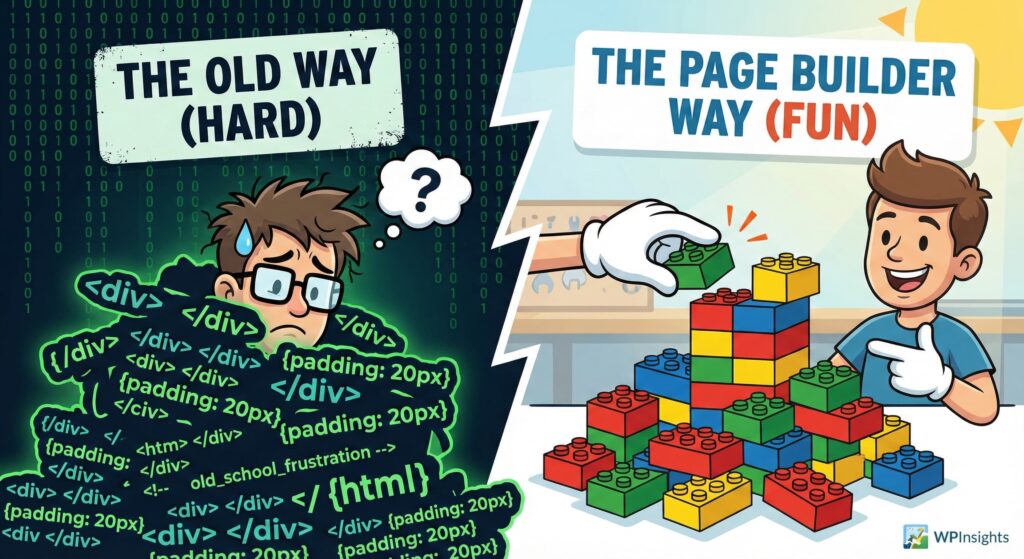
In the “Stone Age” of WordPress, if you wanted a photo next to some text, you had to write code. If you wanted that photo to be round? More code. If you wanted it to move? Lots of code.
A Page Builder is a plugin that replaces code with a visual interface. It’s the difference between painting a portrait by hand (coding) and using a collage kit where you just stick things where you want them (page builder).
The Two Types of Interfaces
Before you choose, you need to know how you like to work:
- Front-End Editors (WYSIWYG): “What You See Is What You Get.” You are editing the actual live website. You drag a button onto the screen, and boom—it’s there. (Examples: Elementor, Divi).
- Back-End Editors: You move blocks around in a schematic view in the dashboard, then click “Preview” to see how it looks. (Example: WPBakery – though most are moving away from this).
The Verdict: If you are a beginner, stick to Front-End Editors. It’s much more fun.
Chapter 2: The 5 Critical Factors (The “Make or Break” List)
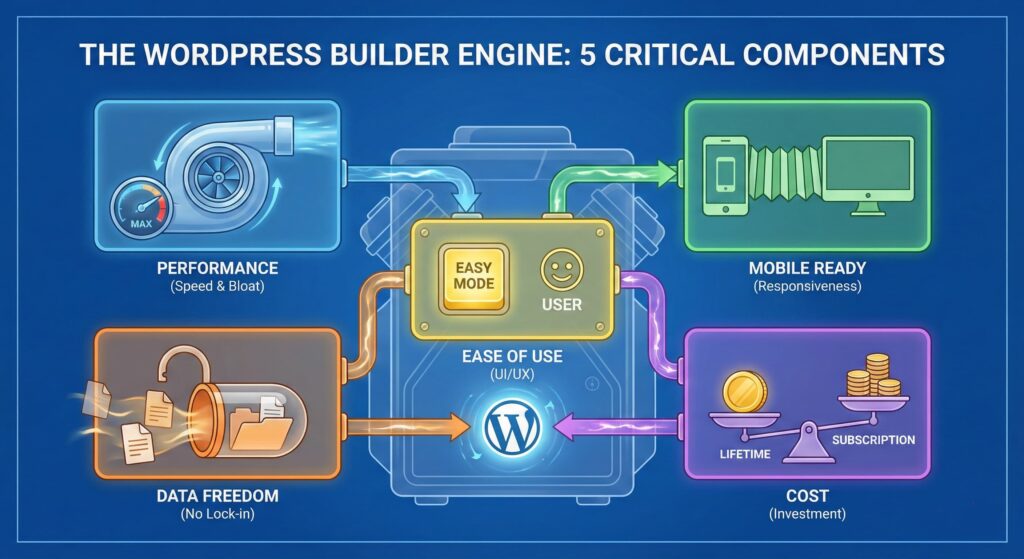
Do not buy a builder just because a YouTuber told you to. You need to judge them on these 5 pillars.
1. Speed & Performance (The “Bloat” Factor)
Here is the ugly truth: Page Builders add weight to your site.
They load extra scripts, CSS files, and fonts. If you pick a poorly coded builder, your website will move like a turtle in peanut butter.
- The Gold Standard: You want a builder that outputs “clean code” (only loads what is necessary).
- Why it matters: Google hates slow sites. Users hate slow sites.
2. Responsiveness (The “Mobile” Factor)
It’s 2026. More people will visit your site on a phone than a laptop.
- The Test: Can you easily hide a photo on mobile but show it on desktop? Can you change the font size just for the iPhone version?
- Dealbreaker: If a builder doesn’t give you full control over the Tablet and Mobile views, do not use it.
3. Ease of Use (The UI/UX)
Does the interface make sense? Some builders have 500 buttons and sub-menus that make you feel like you’re flying a spaceship. Others are intuitive.
- The Learning Curve: How long until you can build a homepage? 1 hour? Or 1 week?
4. Lock-In Effect
“You can check out any time you like, but you can never leave.”
Some builders (like Divi) use Shortcodes. If you build your site with them and later decide to delete the plugin, your content disappears, replaced by code gibberish like [et_pb_section].
Others (like Elementor or Beaver Builder) leave clean HTML text behind, so your content is safe even if the design breaks.
5. Price (Subscription vs. Lifetime)
- Subscription: You pay every year for updates and support (Elementor).
- Lifetime: You pay once and own it forever (Divi, Bricks).
- Note: Never use “nulled” (pirated) builders. They are full of malware. Trust us.
Chapter 3: The Contenders (In-Depth Reviews)
Let’s look at the titans of the industry.
1. Elementor (The Heavyweight Champion) 🏆
The most popular page builder in the world, powering millions of sites.
The Vibe: It’s the “iPhone” of page builders. Polished, huge ecosystem, and easy to find help.
Pros:
- Massive Template Library: Don’t know design? Just import a pre-made “Gym” or “Bakery” kit.
- The Free Version is King: You can build a legit professional site without paying a dime.
- Integrations: Works with Mailchimp, WooCommerce, and basically every tool on earth.
Cons: - The Speed Tax: It can be heavy. You need good hosting to keep Elementor fast.
- DOM Size: It tends to wrap elements in too many <div> tags (code layers), which Google doesn’t love.
2. Divi (The Visual Artist) 🎨
The darling of freelance designers and agencies.
The Vibe: Fluid, artistic, and very visual. It feels like Photoshop for the web.
Pros:
- Lifetime Deal: Pay once ($249 usually), and use it on unlimited websites forever. This is a steal for agencies.
- A/B Testing: Built-in tools to test which headline gets more clicks.
Cons: - The Lock-In: As mentioned, if you leave Divi, your site is a mess of shortcodes. You are married to Divi for life.
- Glitchy: Because it relies heavily on JavaScript for the visual editor, it can sometimes feel “laggy” while editing.
3. Beaver Builder (The Reliable Veteran) 🛠️
It’s not flashy, but it never breaks.
The Vibe: The Volvo of page builders. Safe, sturdy, developer-friendly.
Pros:
- Stability: It rarely has bugs. Updates don’t break your site.
- Clean Code: If you deactivate it, your text and images stay readable.
- Developer Friendly: Coders love it because it plays nice with their custom work.
Cons: - Boring: The interface looks a bit dated compared to Elementor.
- Pricey: No free version worth using, and the premium is expensive.
4. Bricks & Breakdance (The New Gen Speedsters) ⚡
The disruptors built for the “Core Web Vitals” era.
The Vibe: For the tech-savvy user who screams “My site must load in 0.5 seconds!”
Pros:
- Insane Speed: These builders output code almost as clean as if a human hand-wrote it.
- Flexibility: Incredible control over CSS and dynamic data.
Cons: - Not for Total Newbies: The interface assumes you know a little bit about “margins,” “padding,” and “flexbox.”
- Smaller Ecosystem: Fewer 3rd party add-ons than Elementor.
5. Gutenberg (The Native Block Editor) 🟦
The default WordPress editor.
The Vibe: Minimalist. Native. Future-proof.
Pros:
- It’s Free & Built-in: No plugins to install.
- Fastest: Since it’s part of WordPress core, it is naturally the fastest option.
Cons: - Clunky UX: It’s not a true “drag-and-drop” canvas yet. You are stacking blocks, not painting a canvas.
- Design Limitations: Hard to do complex animations or overlaps without extra plugins (like Spectra or Kadence).
Chapter 4: The Final Verdict (Decision Matrix)
Still confused? Here is the cheat sheet. Find your persona below:
| If You Are… | You Should Choose… | Why? |
| The Total Beginner | Elementor | Best free version, easiest to learn, thousands of YouTube tutorials. |
| The Freelancer / Agency | Divi | The lifetime unlimited pricing means high profit margins for you. |
| The Speed Freak / SEO Expert | Bricks or Breakdance | You need clean code to rank #1. These deliver it. |
| The Blogger / Writer | Gutenberg (Blocks) | You don’t need fancy layouts; you need text readability and speed. |
| The Developer | Beaver Builder | You want something stable that won’t break your client’s site in 2 years. |
Chapter 5: Getting Started (Your Next Step)
Don’t let “Analysis Paralysis” stop you. Here is your homework:
- Install Elementor (Free) on a test site. Play with it for 30 minutes.
- Try Gutenberg (it’s already on your site). See if it frustrates you.
- Pick ONE.
The truth is, a bad craftsman blames his tools. You can build an award-winning website with any of the builders on this list. The “Right” page builder is simply the one that makes you excited to create content.
Now, go build something awesome.