Running a successful WordPress blog in 2026 requires more than just good writing; it requires consistency, speed, and smart distribution. If publishing regularly feels like a never-ending chore, you are not alone. The good news? Artificial Intelligence (AI) has evolved dramatically. Today, you no longer have to choose between high-quality content and automation.
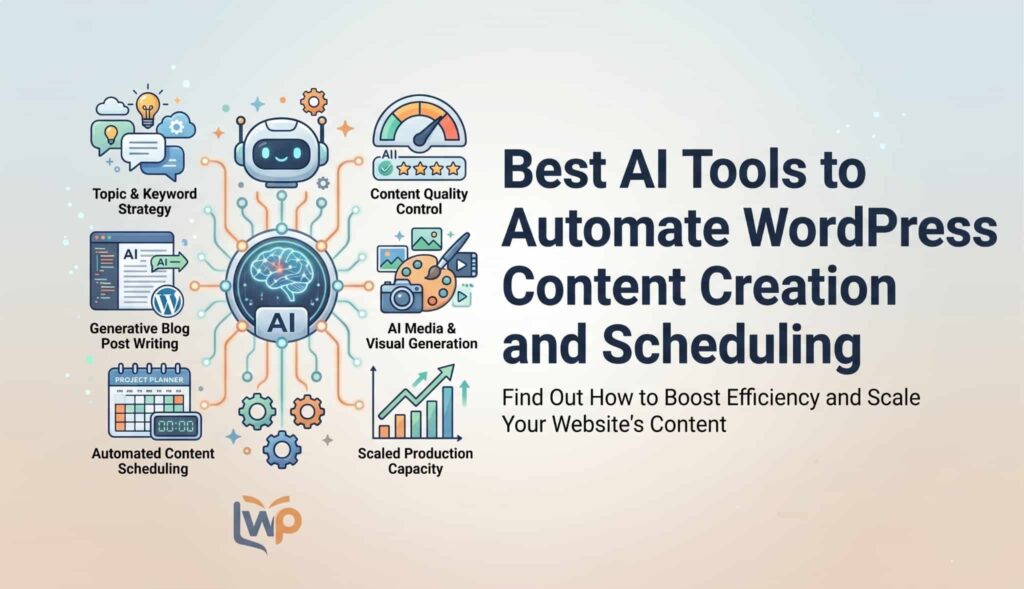
In 2026, WordPress autoblogging and AI content generation tools can handle everything from keyword research and writing to formatting, adding images, and scheduling posts. Whether you run a niche blog, a massive e-commerce store, or an affiliate marketing website, the right automation tools can save you hundreds of hours a month.
In this comprehensive guide, we will explore the best AI tools to automate WordPress content creation and scheduling in 2026. We will look at their features, whom they are best for, and how to use them without harming your SEO.
Why Automate Your WordPress Site in 2026?
Before diving into the tools, it is important to understand why automation is a game-changer today. The search engine landscape has changed. Google and other search engines reward topical authority and consistent, helpful content.
Here are the main reasons why website owners are leaning heavily on AI automation:
- Unmatched Speed and Scale: AI tools can generate long-form, 2,000-word articles in minutes. Instead of publishing one post a week, you can publish daily without burning out.
- SEO Optimization Built-In: Modern WordPress AI plugins do not just write text; they optimize it. They automatically add meta descriptions, generate proper heading structures, and build internal links to boost your search rankings.
- Cost Efficiency: Hiring freelance writers and editors can cost thousands of dollars a month. While human oversight is still recommended, an AI plugin costs a fraction of the price of a full-time content team.
- Workflow Elimination: From finding stock photos to posting the published article on X (formerly Twitter) or Facebook, automation tools eliminate the repetitive clicking and formatting that drains your time.
Top AI Content Creation and Autoblogging Tools
If you want an AI that acts as your personal writer, these plugins are designed to generate original, high-quality drafts directly inside your WordPress dashboard.
1. WP Auto Pro
WP Auto Pro has quickly become one of the most powerful autoblogging plugins on the market in 2026. It is a highly advanced framework designed for users who want to generate completely original content or scrape and rewrite content from other sources.
- How it Works: WP Auto Pro connects your WordPress site to over 300 AI models, including OpenAI’s ChatGPT, Google Gemini, Anthropic’s Claude, and OpenRouter. You can set up campaigns to automatically write articles based on specific keywords.
- Key Features: Auto-posts content, images, and videos.
- Integrates natively with Amazon to auto-post products with your affiliate links.
- Generates SEO-friendly meta titles and descriptions automatically.
- Translates content into different languages using Google or DeepL.
- Best For: Affiliate marketers and niche site builders who want to create high-volume content using the smartest AI models available.
2. Emplibot
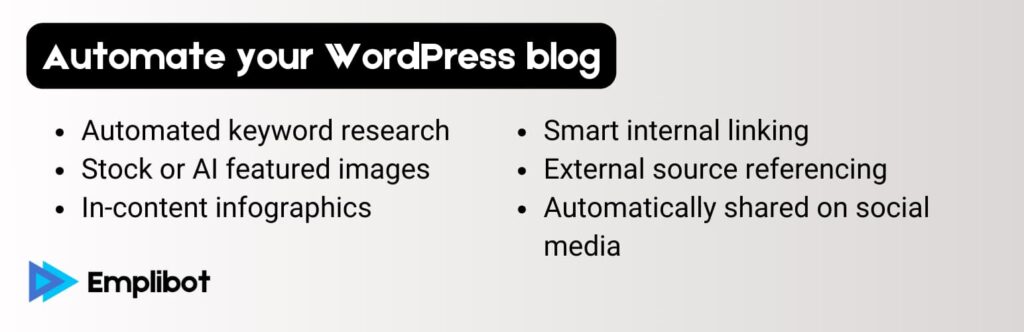
Emplibot takes a hands-off approach to blogging. If you want a “set it and forget it” tool that focuses heavily on SEO and quality over sheer quantity, Emplibot is an incredible choice.
- How it Works: You install the native plugin, define your niche and publishing schedule, and Emplibot takes over. It researches high-intent topics, drafts the posts, adds rich media, and automatically links your posts together.
- Key Features:
- Creates topical clusters automatically to boost your site’s authority.
- Generates custom, fast-loading featured images.
- Pre-fills data for popular SEO plugins like Yoast and RankMath.
- Maintains your unique brand voice across all generated articles.
- Best For: Small business owners and agencies who want to maintain an active, high-quality blog without doing any manual writing.
3. AI Engine by Meow Apps

AI Engine is a favorite among WordPress developers and power users. Instead of just being an autoblogger, it turns your entire WordPress dashboard into an AI powerhouse.
- How it Works: You connect your OpenAI or Anthropic API keys to the plugin. From there, you can generate content, brainstorm ideas, or even build a custom AI chatbot for your visitors.
- Key Features:
- Content and image generation directly from the WordPress editor.
- Bulk generation tools to create multiple articles at once.
- Custom AI workflows and prompt templates.
- Advanced chatbot integration that can read your site’s content to answer customer queries.
- Best For: Advanced users, tech-savvy bloggers, and e-commerce site owners who want deep customization and custom AI workflows.
4. RightBlogger

While many tools focus on raw automation, RightBlogger focuses on the editorial workflow. It is designed for bloggers who want AI to do the heavy lifting but still want to feel like an editor-in-chief.
- How it Works: RightBlogger acts as a drafting partner. You feed it a topic, a keyword, or even a YouTube video URL. It processes the information and creates a highly structured draft that gets sent directly to your WordPress pending queue.
- Key Features:
- Generates content from real-time inputs (like live URLs or videos).
- Bypasses the “AI sound” by giving you deep control over tone and style.
- Seamless push-to-WordPress functionality.
- Best For: Professional bloggers and content creators who want to speed up their writing process but prefer to manually review and edit every post before publishing.
5. CyberSEO Pro

CyberSEO Pro is the heavy-duty truck of WordPress autoblogging. It has been around for a long time but has continuously updated its features to integrate with the latest 2026 AI models.
- How it Works: CyberSEO Pro excels at pulling content from anywhere—RSS feeds, CSV files, XML, and raw text dumps. It then uses AI tools like Article Forge, GPT, or Gemini to spin, rewrite, and enhance that content before publishing.
- Key Features:
- Full-text extraction from simple web links.
- Built-in synonymizer and rewriter to bypass AI detectors.
- Auto-comments feature to simulate organic user engagement on your posts.
- Generates AI thumbnails and media embeds automatically.
- Best For: Content curators and news aggregators who need to pull data from hundreds of external sources and rewrite it on the fly.
Best RSS and Content Curation Auto-Bloggers
Sometimes you do not need an AI to write an article from scratch. Instead, you want to curate news, aggregate industry updates, or pull in content from YouTube. These tools specialize in fetching content and using AI to make it unique.
6. Feedzy RSS Feeds
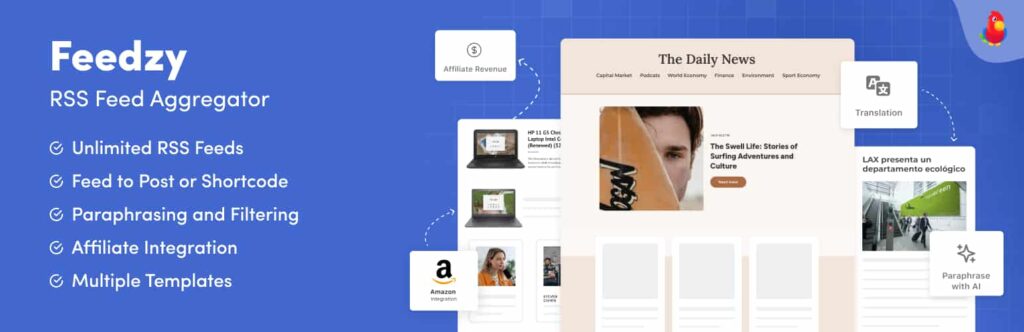
Feedzy is a massively popular plugin for aggregating RSS feeds, and its recent updates have turned it into a fully-fledged AI curation tool.
- How it Works: You input RSS feed URLs from your favorite industry sites. Feedzy imports them, and using its built-in integration with ChatGPT or WordAI, it rewrites the articles so you do not get penalized for duplicate content.
- Top Features:
- “Feed to Post” turns basic RSS imports into fully formatted WordPress blogs.
- Powerful filtering tools ensure you only import articles with specific keywords.
- Automatically extracts images from the original source.
7. WP RSS Aggregator
Similar to Feedzy, WP RSS Aggregator is a trusted name in the WordPress community. It is known for its incredible ease of use and beautiful display templates.
- How it Works: It pulls in feeds and allows you to display them as a list on a page, or import them as actual WordPress posts.
- Top Features:
- Extremely beginner-friendly interface.
- Premium add-ons allow for keyword filtering and full-text importing.
- Great for creating “News Aggregation” pages on a business website.
8. WPeMatico
WPeMatico is designed to look and feel exactly like the native WordPress interface, making it very comfortable for beginners to learn.
- How it Works: It uses “campaigns” to fetch content from RSS/XML feeds. You can set the frequency of these campaigns (e.g., every 2 hours) and automatically categorize the incoming posts.
- Top Features:
- Assign default authors and categories to imported content.
- Auto-API key validation.
- Option to import as Draft, Pending, or Published.
Best Tools for Automated Scheduling and Social Sharing
Creating the content is only half the battle. Once your AI publishes a post, you need to drive traffic to it. These automation tools ensure your content gets seen on social media without you lifting a finger.
9. Revive Social
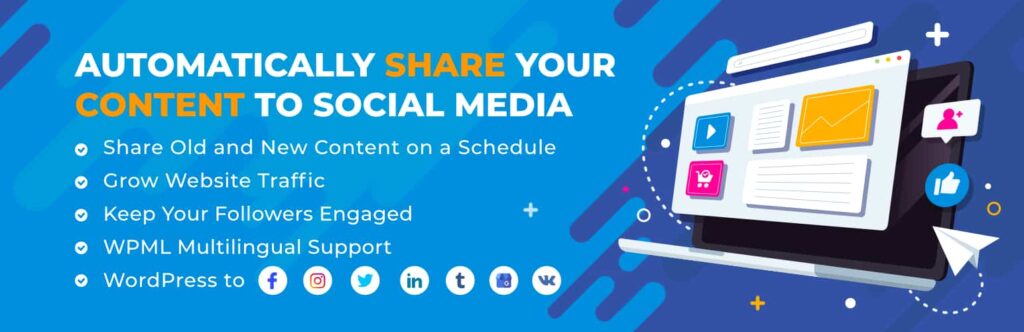
Even in 2026, old content can drive massive traffic if promoted correctly. Revive Old Posts ensures your archives never collect dust.
- How it Works: Once installed, Revive Social automatically shares your newly published posts and randomly selects older posts to share on your connected social media accounts (Facebook, X, LinkedIn, etc.).
- Top Benefits: Keeps your social feeds active 24/7 and signals to search engines that your old content is still relevant and receiving traffic.
10. Blog2Social
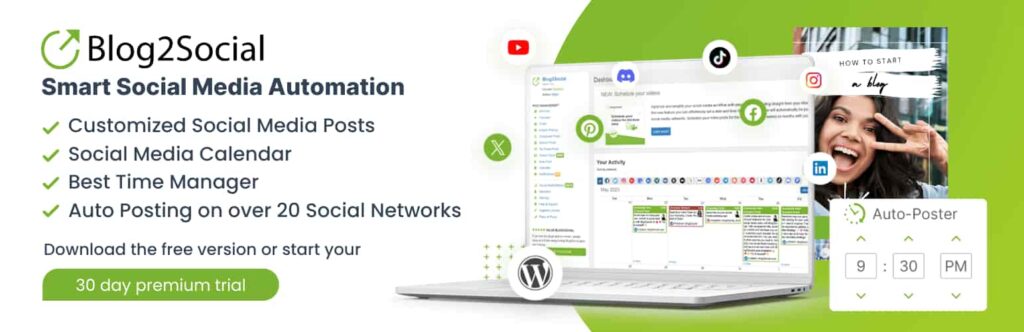
Blog2Social is a comprehensive social media scheduler tailored perfectly for WordPress.
- How it Works: When a new post is generated (either by you or your AI autoblogger), Blog2Social automatically formats the post for different social networks. It adjusts the image sizes, adds the right hashtags, and schedules them at optimal times.
- Top Benefits: Cross-promotion on platforms like Instagram, Google My Business, Reddit, and Tumblr from a single dashboard.
11. Nelio Content

Nelio Content is an editorial calendar and scheduling tool that brings sanity to high-volume publishing.
- How it Works: It provides a beautiful visual calendar inside WordPress. If your AI tools are generating 20 drafts a week, Nelio allows you to drag and drop them onto specific dates. It also schedules the corresponding social media posts simultaneously.
- Top Benefits: Perfect for teams and solo bloggers who want a bird’s-eye view of their automated content strategy.
Comparison Table: Top WordPress AI Tools at a Glance
To help you make a quick decision, here is a breakdown of the top tools based on their primary use cases.
| Plugin Name | Primary Function | Best Use Case | Pricing Model |
|---|---|---|---|
| WP Auto Pro | AI Generation & Scraping | High-volume affiliate and niche blogs | One-time lifetime payment |
| Emplibot | Full Auto-Blogging | Hands-off, high-quality SEO content | Monthly subscription |
| AI Engine | AI Workflows & Chatbots | Customizing AI deeply into the site | Free + Premium Add-ons |
| CyberSEO Pro | RSS & Content Spinning | News aggregators and massive curation | Premium |
| Feedzy RSS | RSS to Post with AI Rewrite | Curating industry news without duplicate SEO | Free + Premium Yearly |
| Blog2Social | Social Media Automation | Auto-sharing AI posts to social platforms | Free + Premium Yearly |
How to Autoblog Responsibly in 2026 (Without Hurting SEO)
One of the biggest misconceptions about autoblogging is that you can just turn it on, generate 10,000 articles, and become a millionaire overnight. In reality, Google’s 2026 spam policies strictly target “scaled content abuse.” If you generate low-quality, purely automated pages that add no value to the reader, your site will be penalized.
Here is how to use these tools successfully and responsibly:
1. Always Add Unique Value
Search engines look for “Information Gain.” If your AI just repeats what is already on the top 10 results of Google, it will not rank. Configure your AI prompts to add unique perspectives, incorporate your own data, or format the information in a way that is easier to read (like adding comparison tables or summaries).
2. Use Manual Review Queues
Never set your AI tool to instantly publish unless you have tested it thoroughly for months. The best workflow is to have your AI tools set to “Save as Draft” or “Pending Review.” Spend 5 to 10 minutes humanizing the draft. Add a personal anecdote, check the facts, and ensure the tone matches your brand. This tiny manual step elevates the content from “AI-generated” to “Expert-level.”
3. Check for Hallucinations and Facts
AI models in 2026 are incredibly smart, but they still hallucinate (make things up). If your blog is in the finance, health, or legal niches (YMYL – Your Money or Your Life), an unverified AI claim can destroy your credibility. Always verify dates, prices, names, and breaking news claims.
4. Avoid Plagiarism and Duplicate Content
If you are using tools like Feedzy or WP RSS Aggregator to pull content from other websites, you must rewrite it. Use the built-in AI integrations to summarize or spin the text. Furthermore, always link back to the original source to avoid copyright infringement.
5. Perfect Your Internal Linking
An isolated blog post struggles to rank. Tools like Emplibot handle this automatically, but if you are using other tools, ensure you use AI SEO plugins (like LinkWhisper or RankMath) to connect your new automated posts to your older pillar content.
Final Thoughts
The year 2026 has made it clear: AI is not replacing bloggers; it is empowering them. The best AI tools for WordPress content creation and scheduling act as your researchers, drafters, and social media managers.
If you want a completely hands-off experience, plugins like Emplibot or WP Auto Pro are your best bets. If you want to curate news and industry updates, look no further than Feedzy. And to ensure the world sees your newly automated content, pair these tools with Blog2Social or Revive Old Posts.
The secret to winning with WordPress automation is not to remove the human element entirely. Use these tools to eliminate the blank page, speed up your drafting, and handle the tedious scheduling. By letting AI do the heavy lifting, you free yourself up to do what really matters: strategizing, building relationships, and growing your business.